01
Find your inspiration.
Browse the look library, describe your idea, or upload a saved photo or screenshot. Start wherever inspiration finds you.
 BlushRoomGet early access
Turn the makeup you save into something you can wear. Find inspiration, preview it on your selfie, and learn how to apply it.
Browse 112 curated looks, upload a makeup reference, or describe your own idea. Keep your preview and routine together.
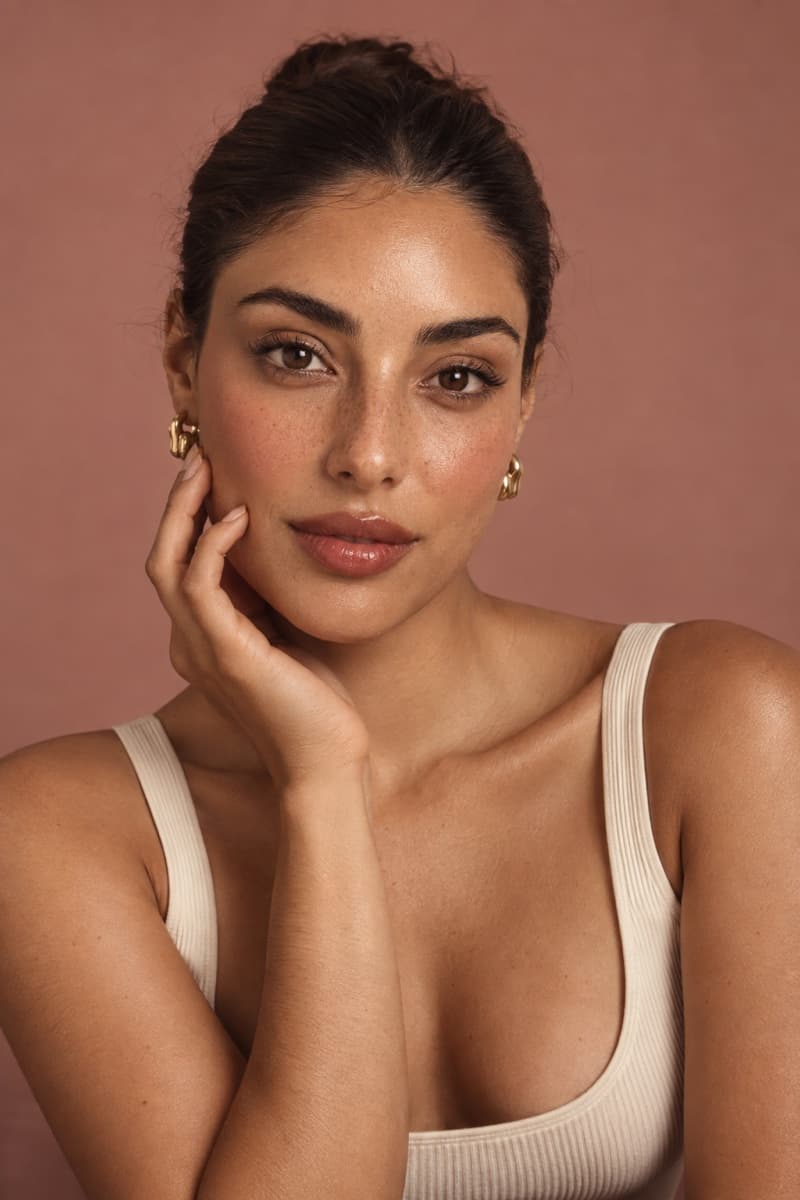
Soft blush. Effortlessly you.
Tap to explore · AI-generated inspiration · not a live try-on
Your camera roll is full of inspiration.
Give it a place in your everyday routine.
Browse the look library, describe your idea, or upload a saved photo or screenshot. Start wherever inspiration finds you.
Add a selfie and create an AI makeup preview. Compare before and after, then carry the look into your routine.
Follow application steps with illustrated technique demonstrations. Save the routine and return to your place when you need it.
A look you love is only the beginning. Follow a routine one step at a time, with a demonstration at the top and practical guidance underneath.
Watch where to start, how to work the product in, and what to check. Pause or replay at your own pace.
Move between Apply, Tools, and Help for instructions, product guidance, and help with common mistakes.
Your place is saved on your device. Return to a familiar routine without creating another preview.
Try the illustrated example here. Personal previews and full routines happen in the app.
Pick up a small amount of blush. Start with a light touch on the cheek, following your look’s placement.
Begin lightly. You can build the color gradually.
A starting point for your next look, with occasion and time-based choices.
112 curated makeup looks, with search and filters to narrow your inspiration.
Keep inspiration, previews, and routines together. Resume your saved steps.
From everyday makeup to bridal, soft glam, smoky eyes, and a bold lip. Find a starting point by style, occasion, finish, or difficulty.
YOUR SOFT SIDEBarely-there blush. Quiet confidence.
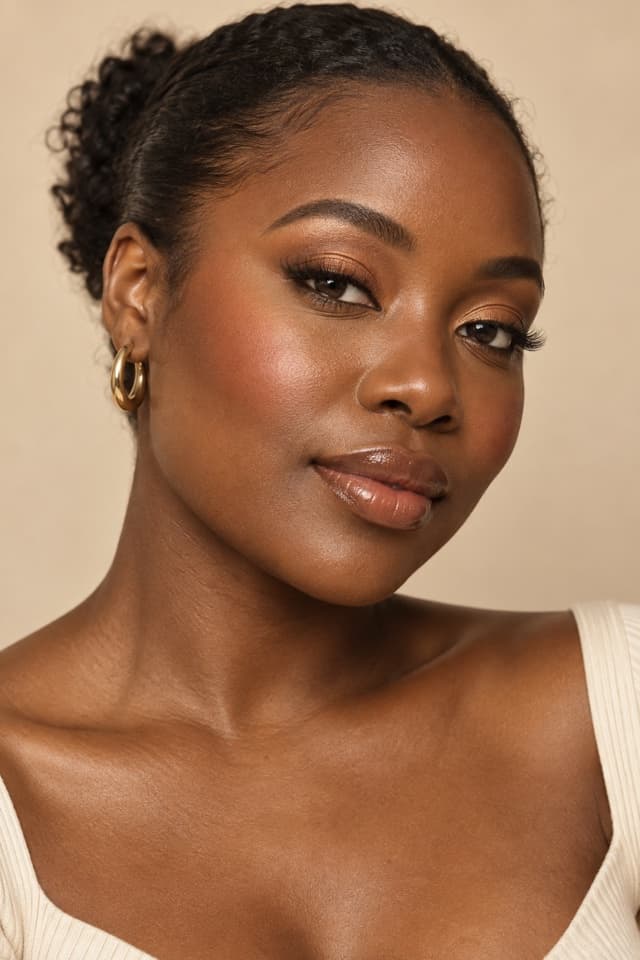 A LITTLE SUNSHINE
Warm, glowing, and going nowhere quietly.
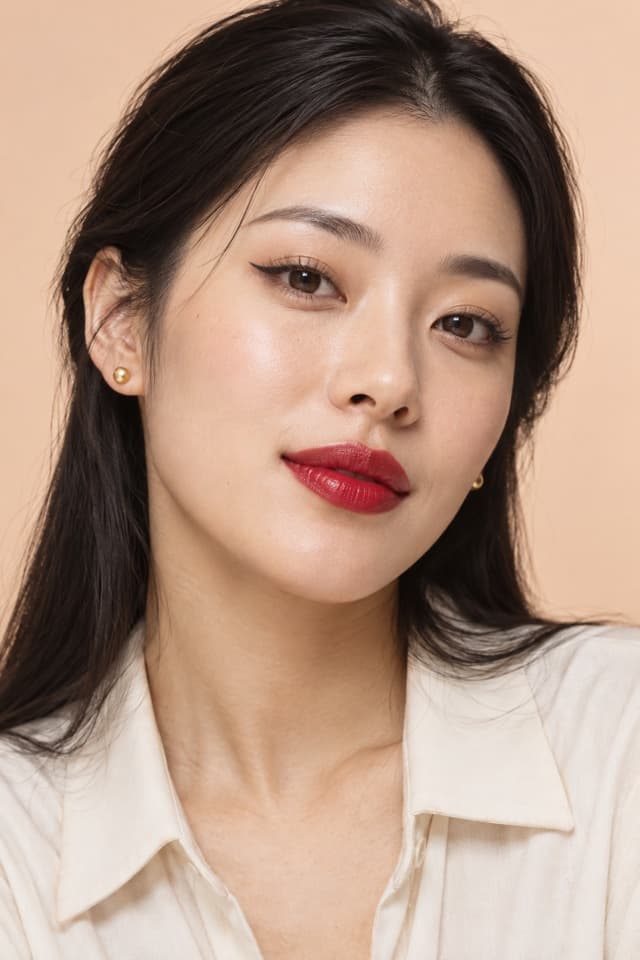 MAIN-CHARACTER ENERGY
A bold lip. An entirely different mood.
Three looks from the collection. These are AI-generated inspiration images; your preview and real makeup results will vary.
Room to experiment. To be curious. To wear the red lip on a Tuesday, or keep it soft all weekend.
We’re building BlushRoom to make makeup feel more approachable. The app brings inspiration, previews, and guided application together, so a saved look becomes something you can practice.
Be part of BlushRoom’s early days. Request an invite
and help shape a beauty space that feels like you.
We’re in early development and preparing for iOS first. Request early access by email and we’ll reply with availability. There isn’t a public App Store release yet.
This website is a little introduction to BlushRoom. The interactive gallery shows editorial inspiration. Personal photo previews happen inside the app.
AI previews are creative inspiration, not a guarantee. Your products, lighting, application, and skin can all change the final result.
A routine breaks the look into application steps, with illustrated technique demonstrations and written guidance. You can pause, replay, and resume your progress. Demonstrations are general technique illustrations, not recorded artist videos or tracking of your face.
Upload a saved image or screenshot you have permission to use. Direct importing from social-media links is not available yet.
Routine progress and your combined library currently stay on your device. AI lessons are saved to your account. Full library and progress syncing is planned.
Next up: My Makeup Bag, guidance that uses your own products, more personal daily suggestions, and cloud-synced routine progress. These are planned features. Live camera coaching is a later goal.